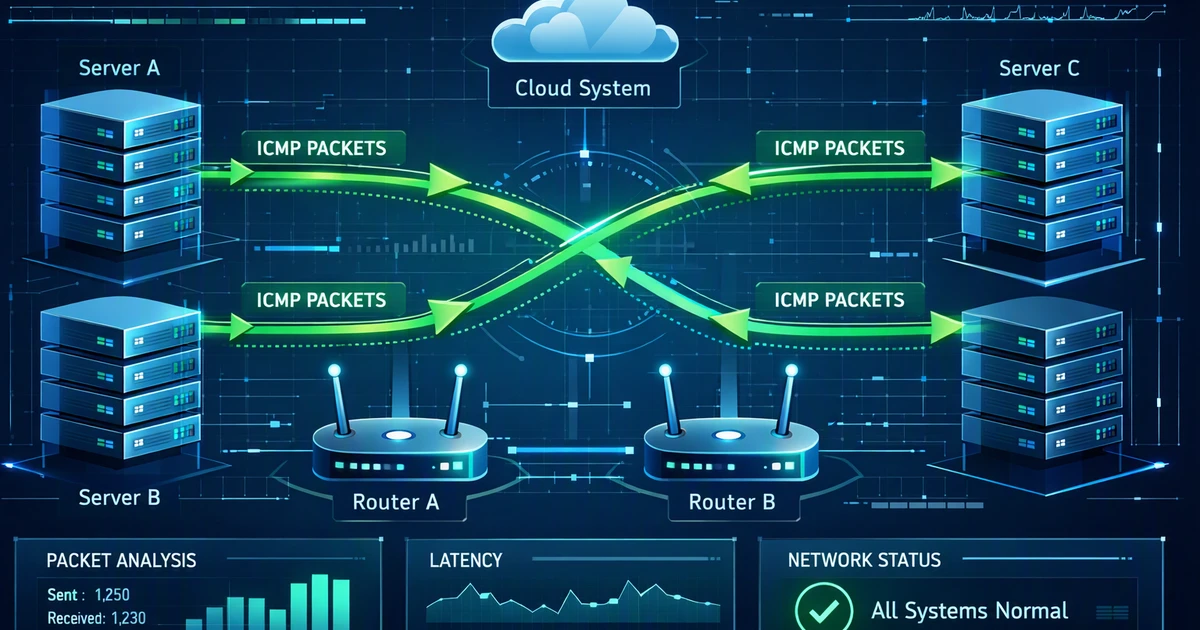
ICMP protocol is one of the most important parts of network visibility. When a website loads slowly, a cloud app drops connection, or a server becomes unreachable, ICMP packets often help reveal what happened. For business owners and marketing professionals, stable networks support data analytics, lead generation, campaign tracking, and optimization. This guide explains what the ICMP protocol does, how its packets work, and why network diagnostics matter for high-quality results across digital operations.
Key takeaways
- ICMP helps devices report network errors, test reachability, and support tools like ping and traceroute.
- ICMP packets use message types and codes to explain issues such as packet loss, unreachable hosts, and expired routes.
- Blocking every ICMP message can reduce visibility and harm network troubleshooting, especially for cloud and web systems.
What Is the ICMP protocol and Why Does It Matter?
The ICMP protocol works as a control and reporting layer inside the IP suite, helping devices share network status instead of application content. It shows whether systems can be reached, where packets fail, and why delivery may stop across routers, servers, cloud platforms, and connected digital services that support business operations and campaign optimization.
ICMP stands for Internet Control Message Protocol. It is defined for IPv4 in RFC 792 from the IETF. Unlike TCP or UDP, it does not use ports and does not deliver web pages, emails, or files. Instead, it sends control messages about network conditions.
A simple example is ping. When you ping a server, your device sends an ICMP Echo Request. If the server responds, it sends an Echo Reply. This confirms basic reachability and measures response time.
For businesses using cloud platforms, analytics dashboards, CRMs, and marketing automation, network clarity matters. A slow connection can affect reporting, form submissions, ad tracking, and customer experience. That is why strong diagnostics support both technical reliability and marketing optimization. If you want broader visibility across digital performance, Leadmetrics offers practical support through its digital marketing services.
ICMP does not solve every network issue by itself. It gives teams a first signal that helps narrow the problem. When that signal is combined with logs, uptime monitoring, and conversion data, teams can make faster and more confident decisions.
How ICMP protocol Packets Work Inside an IP Network
ICMP protocol packets sit inside IP packets and follow a structured format with a type, code, checksum, and message data. This design lets routers and hosts explain network conditions clearly, helping teams identify reachability issues, routing failures, packet size problems, and latency concerns before they harm dashboards, forms, reporting workflows, and campaign performance.
To understand how ICMP packets work, think of them as status reports. A router or host creates a packet when it needs to send feedback about delivery. The ICMP packet is then wrapped inside an IP packet and sent back to the source.
A standard ICMP packet usually includes:
- Type: Defines the general message category.
- Code: Adds detail to the message type.
- Checksum: Helps verify message integrity.
- Message data: Carries information based on the message type.
For example, a Destination Unreachable message uses the type field to show that delivery failed. The code field explains why. The network may be unreachable, the host may be unreachable, or the packet may be too large for the path.
This structure helps teams avoid guessing. Instead of saying a campaign dashboard is slow, a technical team can inspect packet behavior and check whether packet loss, latency, or routing failure is involved. That insight supports faster decisions and better high-quality results.
Ping is the most familiar use of ICMP. It sends an Echo Request to a destination, then waits for an Echo Reply. If the reply arrives, the destination is reachable. If it does not, the cause may be filtering, packet loss, routing failure, or host downtime.
Ping does not prove that a website, app, or database is fully working. It only confirms basic network reachability. A server can respond to ping while its application still fails.
Still, ping is valuable because it gives quick clues. If your landing page tracking suddenly stops, ping can help confirm whether the domain or server is reachable. Combined with application monitoring and data analytics, it becomes part of a broader optimization workflow. A wider digital performance audit can also reveal where technical issues affect marketing outcomes.
ICMP protocol Troubleshooting Tools and Error Messages
ICMP protocol messages power tools like ping and traceroute, while error codes reveal why traffic cannot reach its destination. These signals help teams measure latency, detect packet loss, trace routes, and separate infrastructure faults from firewall rules so technical fixes protect user experience, data analytics, lead generation goals, uptime, and reliability.
Network troubleshooting often starts with basic questions. Is the server reachable? Is there packet loss? Where does the route fail? ICMP helps answer these questions quickly.
The most common ICMP based tools include:
- Ping: Tests reachability and response time.
- Traceroute: Shows the path packets take across routers.
- Path MTU discovery: Helps determine the largest packet size that can travel without fragmentation.
- Monitoring systems: Track latency and availability over time.
Not all ICMP messages are simple echo tests. Many are error messages created by routers or destination hosts. These messages help diagnose issues that would otherwise remain hidden.
Common ICMP error messages include:
- Destination Unreachable: The packet cannot reach the target.
- Time Exceeded: The packet expired before reaching the target.
- Parameter Problem: The IP header contains an issue.
- Redirect: A router suggests a better path.
- Source Quench: An older congestion signal that is now obsolete.
Time Exceeded is especially important for traceroute. Traceroute sends packets with increasing time to live values. Each router that sees an expired packet may return an ICMP Time Exceeded message. This helps map the path to a destination.
The code field adds precision. For example, Destination Unreachable can mean different things depending on the code. A network may be unreachable, a host may be unreachable, or communication may be blocked by policy. This detail helps teams separate infrastructure problems from firewall decisions.
For marketing teams, this may sound technical. Yet the impact is practical. If your lead generation forms depend on cloud services, DNS, payment gateways, or analytics scripts, network issues can reduce conversions. To connect network reliability with broader marketing performance, explore more insights on the Leadmetrics blog.
ICMP also supports AI-powered monitoring strategies. When combined with logs, uptime checks, conversion reports, and campaign metrics, network signals help teams make tailor-made decisions. This creates stronger performance optimization across the full customer journey.
Best Practices for ICMP Security and Business Performance
ICMP is useful, but attackers can abuse it for scanning, floods, tunneling, and reconnaissance. Smart teams avoid blocking everything by allowing necessary messages, applying rate limits, monitoring unusual patterns, and reviewing firewall rules after migrations so security improves without weakening troubleshooting, uptime, customer journeys, or ongoing optimization for growth systems.
Many organizations block ICMP because they associate it with attacks. That reaction is understandable, but blocking every message can create new problems. Some ICMP messages are required for proper network operation.
Attackers may use ICMP for:
- Network scanning to discover live hosts.
- Flood attacks that overwhelm systems.
- Tunneling attempts that hide data in control traffic.
- Reconnaissance to learn routing behavior.
Security teams can reduce risk without losing visibility. They can rate limit ICMP traffic, block unnecessary external echo requests, and allow critical error messages. This balance keeps network diagnostics useful while reducing exposure.
For IPv6, ICMP is even more important. ICMPv6 supports neighbor discovery, router discovery, and packet size feedback. The ICMPv6 specification is described in RFC 4443 from the IETF. Blocking ICMPv6 carelessly can break essential network functions.
A practical ICMP policy should balance usefulness and control. Blocking everything may seem safe, but it can reduce troubleshooting quality. Allowing everything may create avoidable risk.
Use these best practices:
- Allow essential error messages for routing and packet size discovery.
- Rate limit echo requests to reduce flood risk.
- Monitor unusual ICMP traffic spikes.
- Test ping and traceroute behavior from trusted locations.
- Review firewall rules after cloud migrations.
- Document which ICMP types are allowed and why.
Teams should also avoid treating ICMP as a single switch. Different message types serve different purposes. A policy should reflect the network environment, security posture, and application needs.
Modern marketing depends on connected systems. Ads send users to landing pages. Forms send data to CRMs. Analytics platforms track behavior. Automation tools respond to events. If one network path fails, the business may lose leads or misread performance.
ICMP provides early signals. It can show whether a destination is reachable, whether latency is rising, or whether a route is failing. These insights are not a full performance strategy, but they help technical teams act faster.
Leadmetrics focuses on efficient digital growth using AI-powered systems, data analytics, and optimization. Network reliability supports that goal because better infrastructure visibility leads to fewer blind spots. To learn more about this results driven approach, visit the Leadmetrics about page.
Conclusion
The ICMP protocol remains essential because it turns hidden network problems into readable messages about reachability, delivery, routing, and latency. When teams understand ICMP packets and manage them carefully, they troubleshoot faster, reduce downtime, strengthen digital systems, and protect the analytics workflows that support high-quality results, stronger decision making, and revenue growth.
ICMP is more than a technical detail. It helps networks report problems clearly through ping, traceroute, error reporting, and path discovery. When teams understand ICMP packets, they can separate reachability issues from routing failures, firewall limits, and application faults faster. Managed correctly, ICMP improves visibility without weakening security. For business owners and marketing professionals, that visibility protects lead generation, data analytics, and optimization workflows. If your digital systems need more reliable performance, AI-powered insight, and high-quality results, contact Leadmetrics to discuss a tailor-made growth strategy.
Leave a Reply